


DuctQuote Update Oct 2026
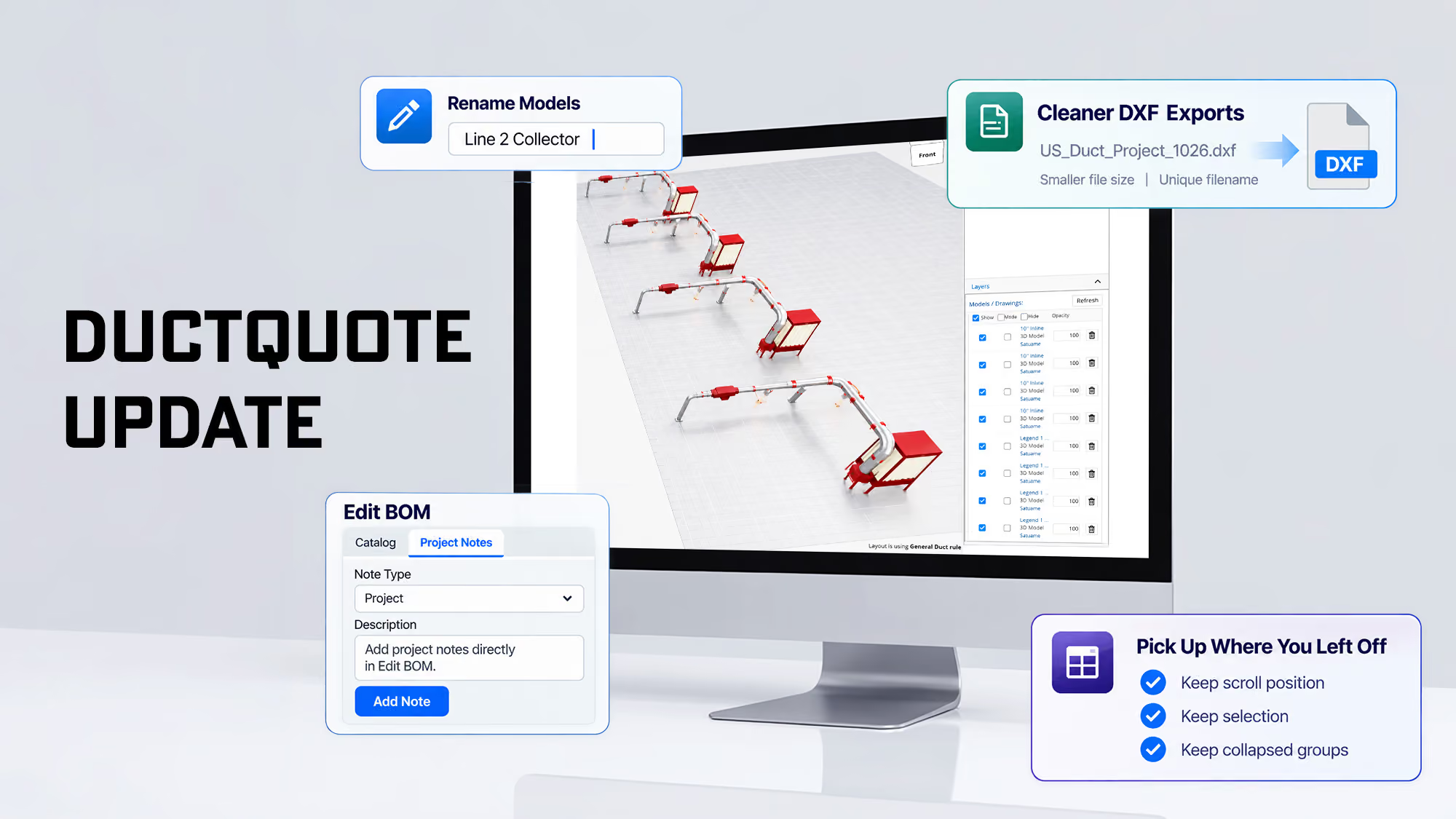
DuctQuote keeps improving because dealers keep telling us what slows them down. This month’s updates are about the small things that add up over a working day: equipment you can identify at a glance in a 3D layout, DXF files that are easier to manage, project notes right where you build the bill of materials, and screens that stay put when data refreshes.
Here’s what changed.
Clearer 3D Layouts
A busy layout is only useful if you can tell what’s what.
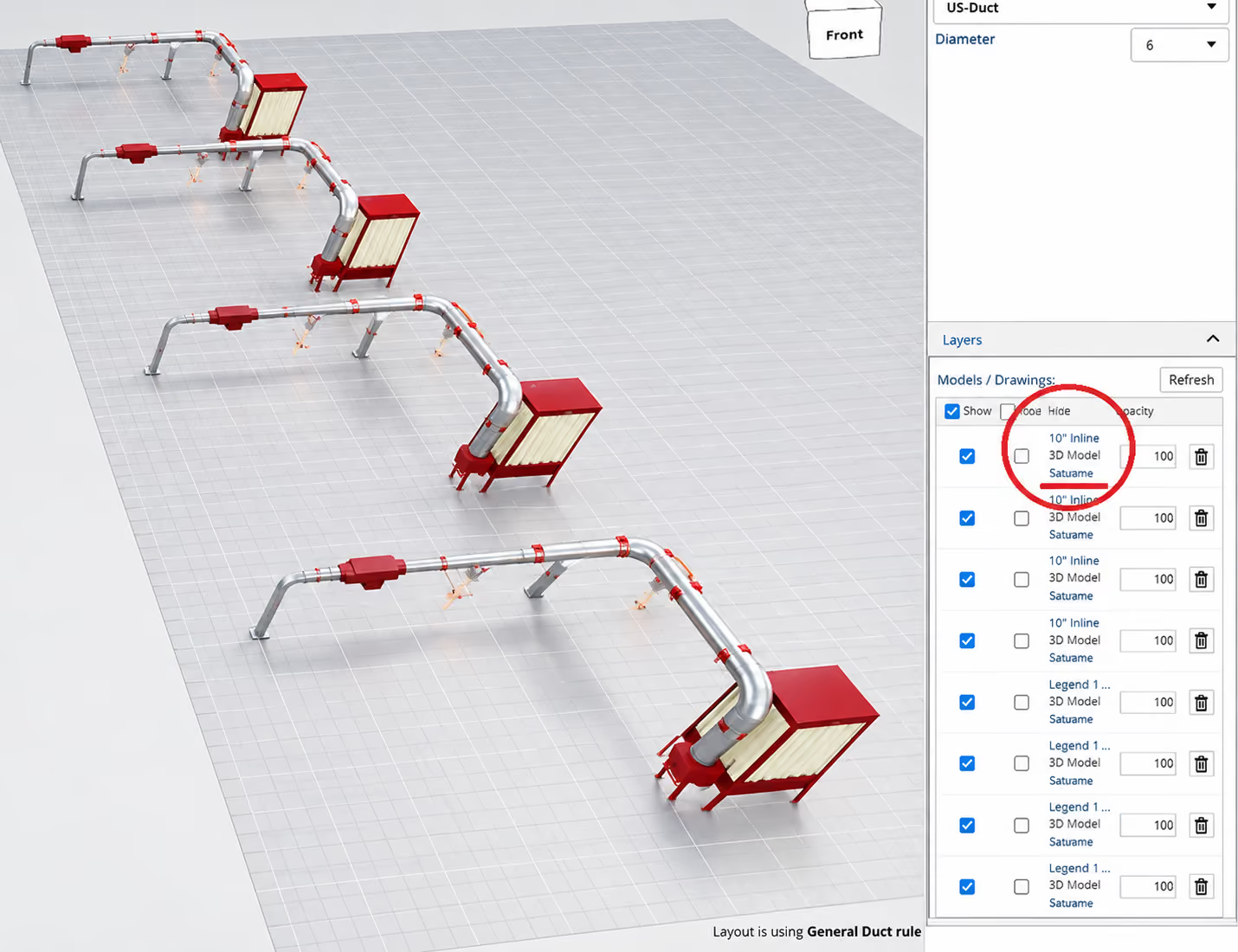
• You can now rename models in your 3D layout. Label equipment by what it actually is on your customer’s floor — “Line 2 Collector” or “CNC Router Hood” instead of a generic model name — so it’s easy to find and easy to talk through with the customer.
Cleaner DXF Exports
DXF exports are now easier to keep organized and easier to send.
• Every DXF export gets a unique filename, so multiple exports from the same project are easy to tell apart and don’t get mixed up with earlier versions.
• Export files are smaller, which makes them more manageable to store, share, and open in your CAD software.
Project Notes Where You Work
Project details belong next to the bill of materials, not on a separate screen.
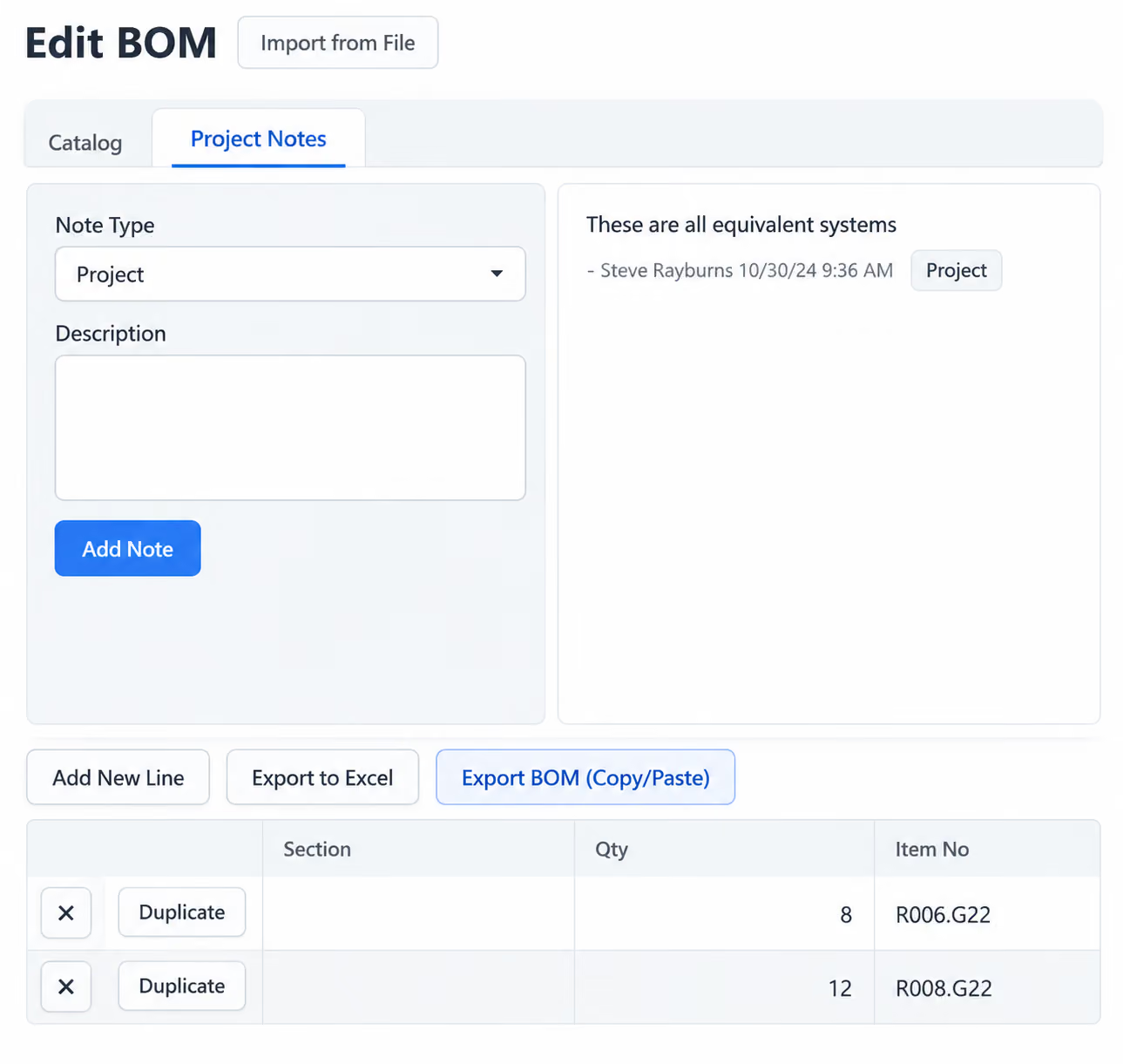
• You can now view and add project notes directly from Edit BOM — no need to leave the BOM to check or record a detail.
• The same notes appear on the Project page, so what you add in one place is there in the other.
Pick Up Where You Left Off
Refreshing data shouldn’t cost you your place.
• The Edit BOM and Knowledge Center grids now keep your scroll position, selection, and collapsed groups when data refreshes. No more scrolling back through a long BOM to find the line you were working on.
Keep the Feedback Coming
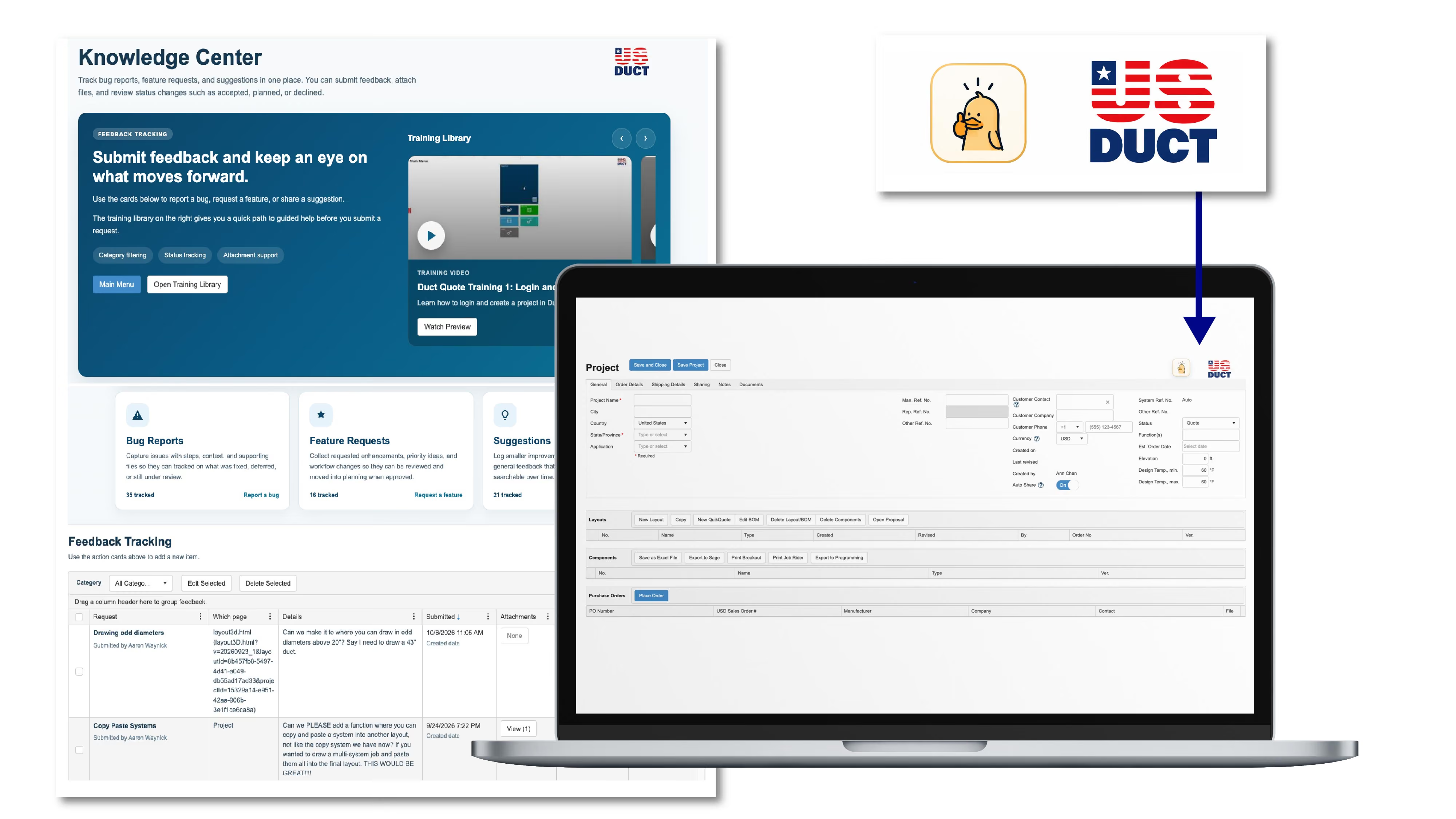
Every update this month came from the same place as the last ones: dealers using Duct Quote on real projects and telling us what would save them time. If something in your workflow still feels slower than it should, let us know — that list is what we build from. Just open the Knowledge Center and make a suggestion or request a new feature. See the thinking duck icon on each page.
DuctQuote is free for US Duct dealers and resellers, and training is included. If you haven’t set it up yet, now’s a good time to start.
Ready to get started? Learn About DuctQuote or Contact Us ,and we’ll get you set up.
— The US Duct Team
Related Resources
• Enhanced Functionality Is Here (QuikQuote)
• DuctQuote Is Now Fully Managed In-House by US Duct
• How to Get a DuctQuote in 2 Steps (Flyer)
• DuctQuote Packet: Design, Estimate, and Quote in One Easy Step
• From Blueprint to Reality (Webinar)

Battery Manufacturing Dust Collection: Design Considerations | US Duct

What Facility Managers Should Know About Static Pressure

